Campaigns \ Entry
The Entry page allows you to add unique entry codes for your campaign if you selected the (unique) entry code limitation during campaign creation. The process is simple:
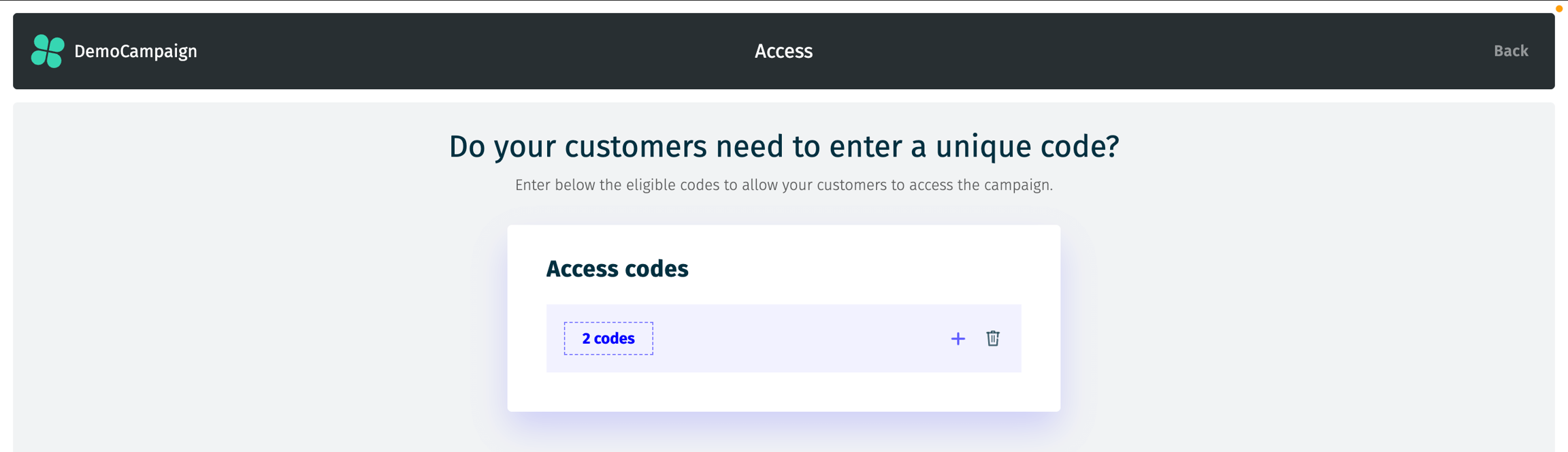
The number of codes currently added will be displayed.
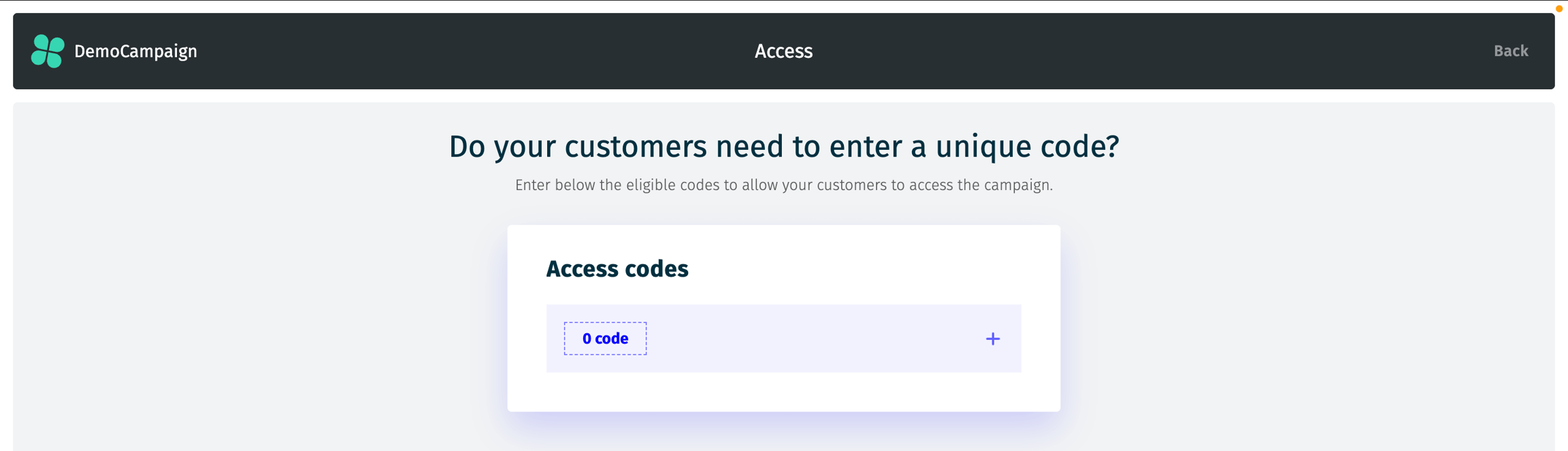
By clicking the + symbol, you can add new codes. Codes should be entered in the field, separated by commas with no spaces around (e.g., CODE1,CODE2,CODE3).
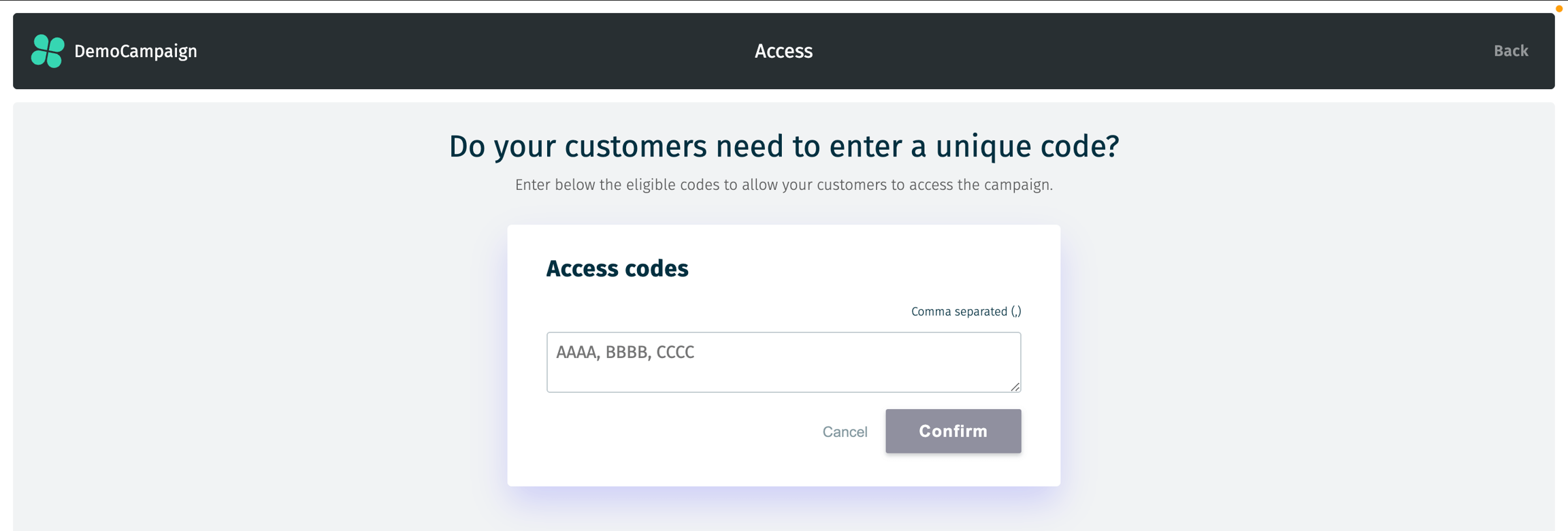
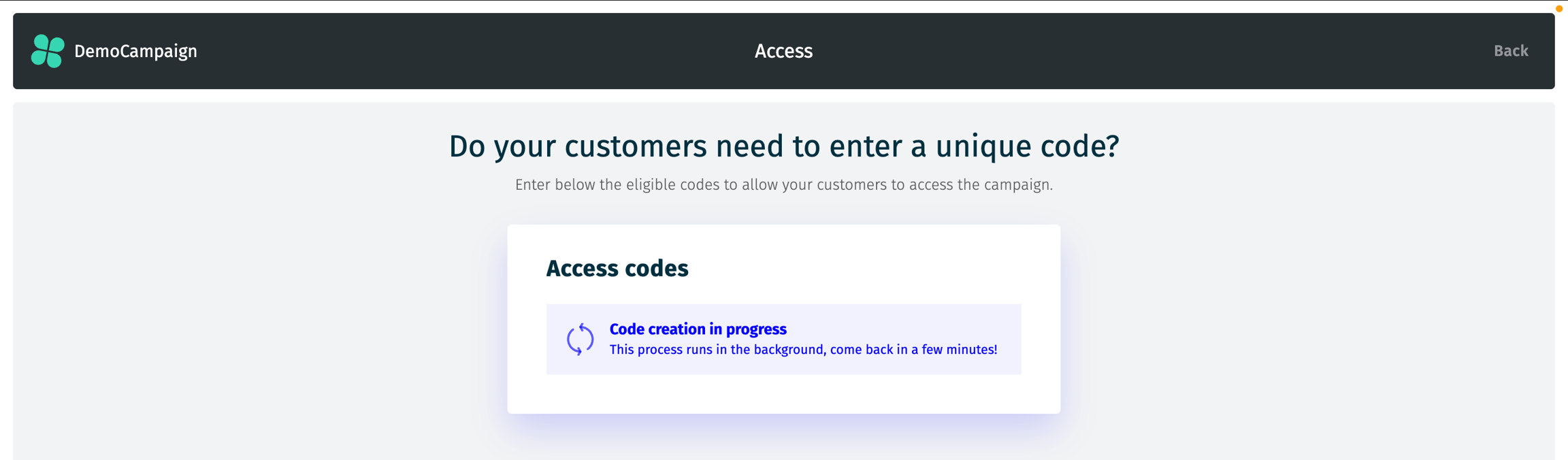
The system will process the codes, and after a few seconds (depending on the number of codes), you can refresh the page to view the updated total.
You can then delete codes or add more as needed.
Please ensure that the imported codes are unique to avoid any issues!
Last updated