Campaigns \ Creation
When creating a campaign, the following parameters are required:
Animation: Yes/No (the specific animation will be chosen later).
Mechanic: The type of campaign mechanic to be used (see below for reference).
Access: Access permissions for the campaign (see below for reference).
Name: The campaign’s name.
Language(s): At least one main language must be assigned.
Store: The store associated with the campaign.
Please note that these parameters cannot be modified later, so be careful when selecting them during this step!
To ensure a smooth selection process, simple choices are presented through intuitive modals.
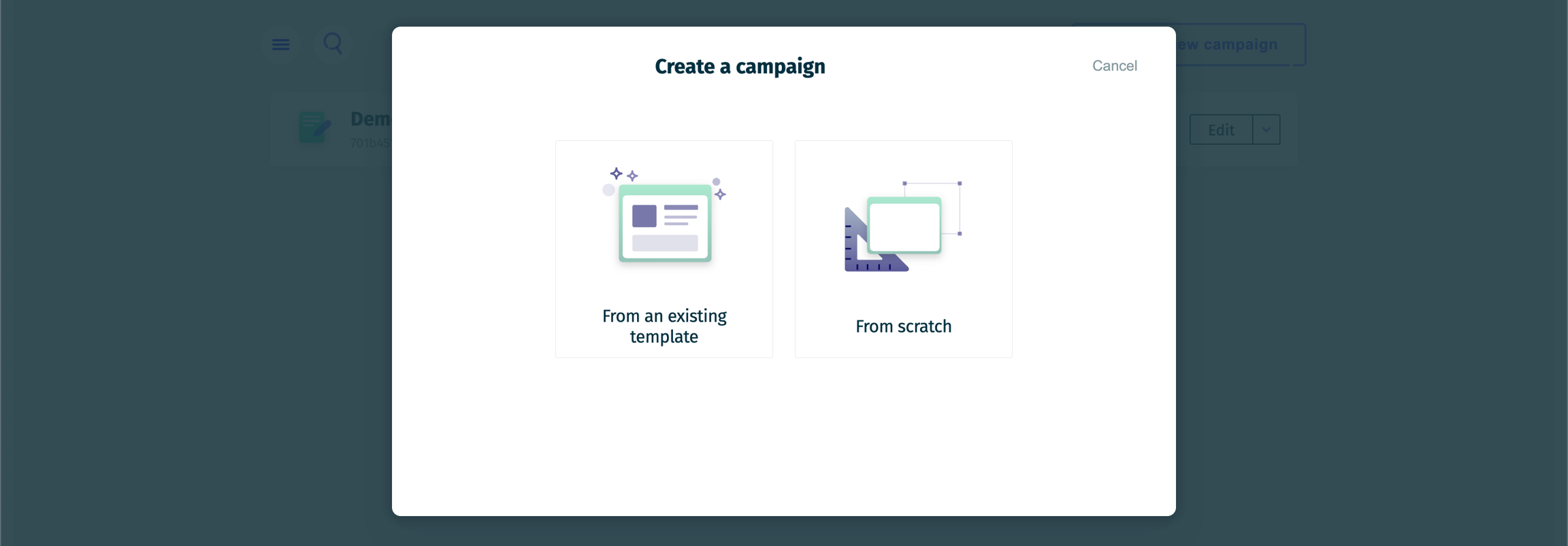
The first step is to choose whether to use an existing template or to start from scratch.
Choosing the first option (From an existing template) will skip all steps except the final one, as the template's settings have already been determined.
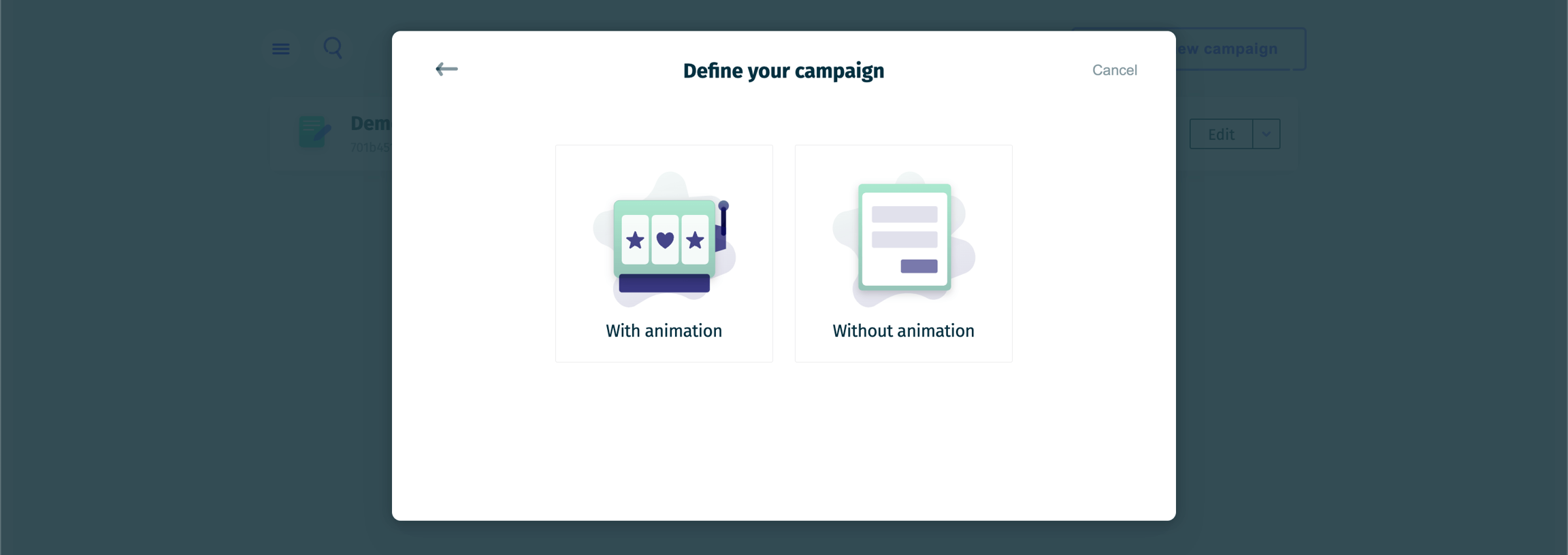
The second step is to decide whether you want your campaign to include an animation.
This choice does not affect the distribution of rewards; however, if you choose not to display a game to the end user, you will not be able to use scoring for prize draw reward distribution.
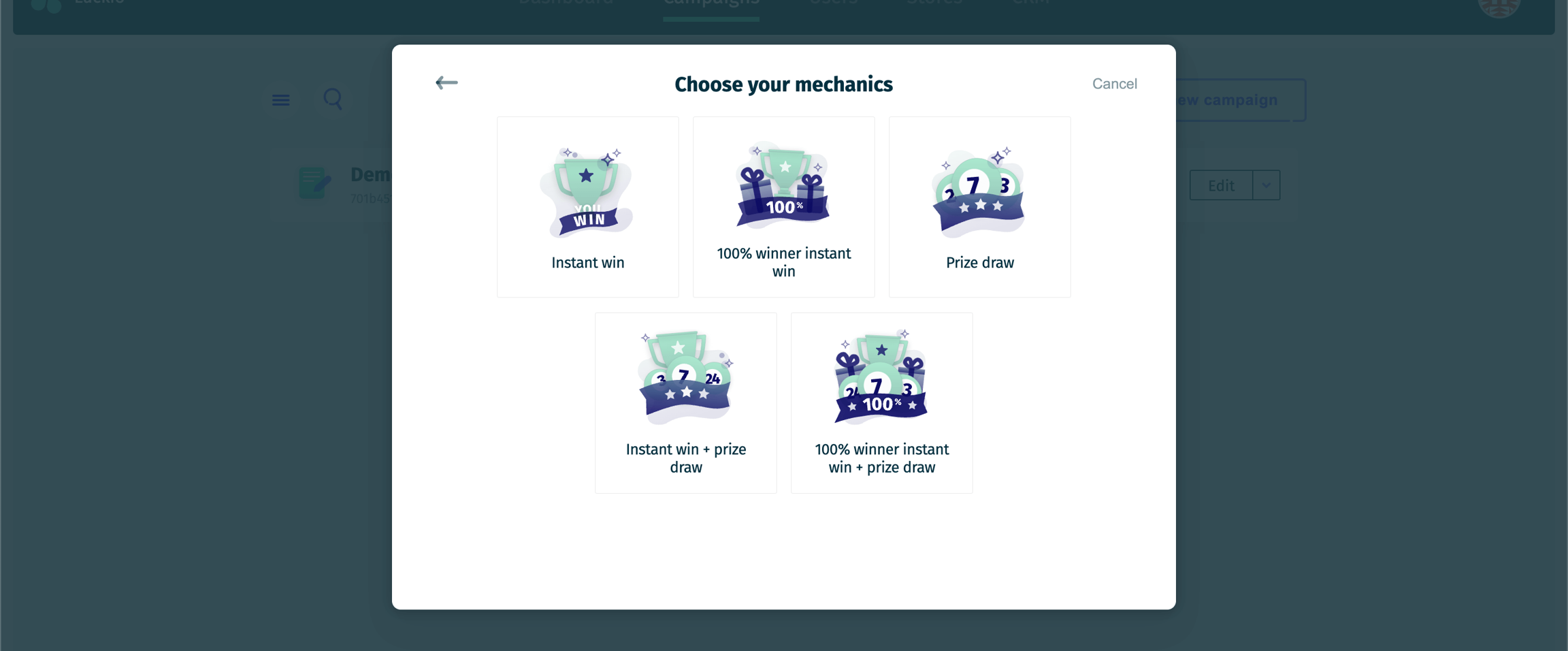
The third step is to determine which mechanic(s) you want to use for your campaign.
There are three types of mechanics available:
Instant Win:
A user wins a prize instantly upon completing the campaign's action (e.g., submitting a form, playing a game). The winner is notified immediately and receives the prize without a delay. It is not guaranteed that every user will win a prize.
100% Winner:
Every participant wins a prize, ensuring that all users receive a reward. The prizes may vary depending on the campaign setup, with some users receiving higher-value prizes and others getting smaller ones or consolation prizes.
Prize Draw:
Participants enter a draw for a chance to win a prize. Winners are selected from the pool of participants after the campaign ends. For more details on the selection process, please refer to the Prize Draw page.
Please note that these mechanics can be combined, allowing you to choose from the following five options:
Instant Win
100% Winner Instant Win
Prize Draw
Instant Win + Prize Draw
100% Winner Instant Win + Prize Draw
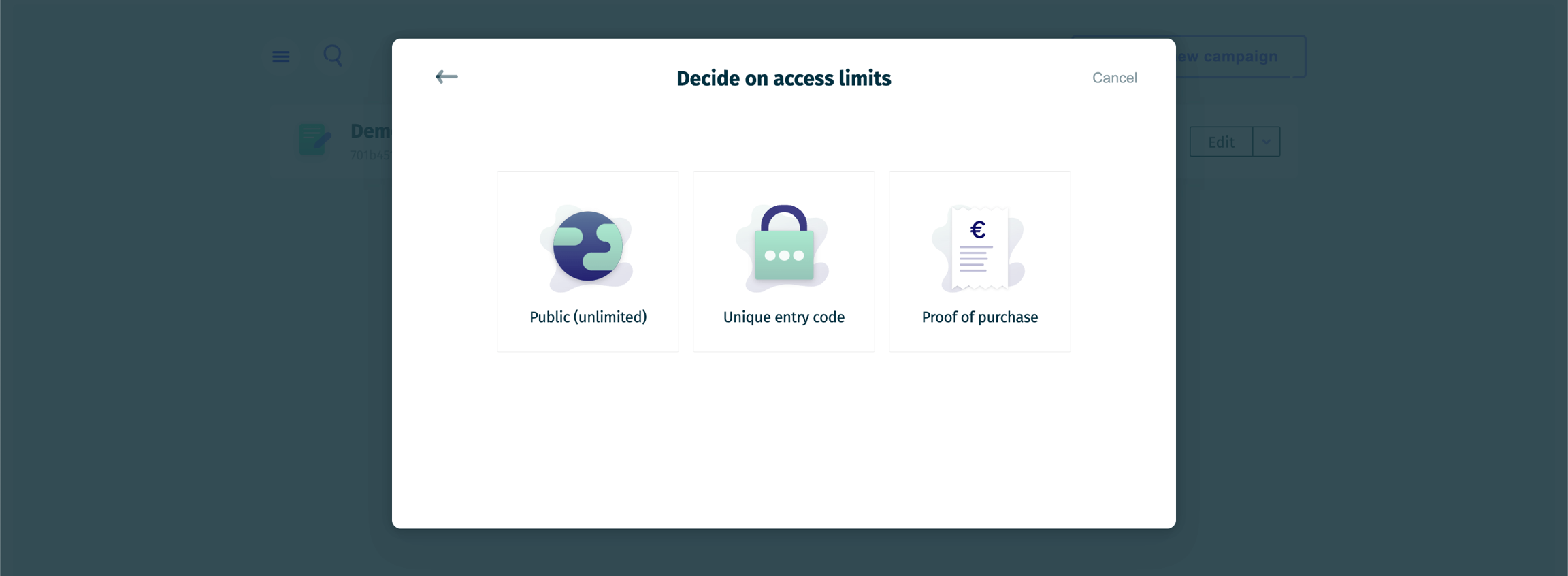
The fourth step is to choose the access limits for your campaign. There are three options available:
Public (Unlimited):
The campaign is open to everyone without any specific restrictions. Participants can enter as many times as they wish, and there are no limitations on who can access the campaign.
You will still be able to add additional limitations later based on the email address of the end user, even if you choose not to limit access with an entry code or proof of purchase.
Unique Entry Code:
Access to the campaign is restricted to participants who have a unique entry code. This code can be distributed via various channels, such as email or through a specific promotion.
Proof of Purchase:
Participants must provide proof of purchase to access the campaign. This ensures that only those who have made a qualifying purchase are eligible to enter.
As you will need to verify the validity of the proof of purchase, we recommend using this limitation in conjunction with a Prize Draw mechanic.
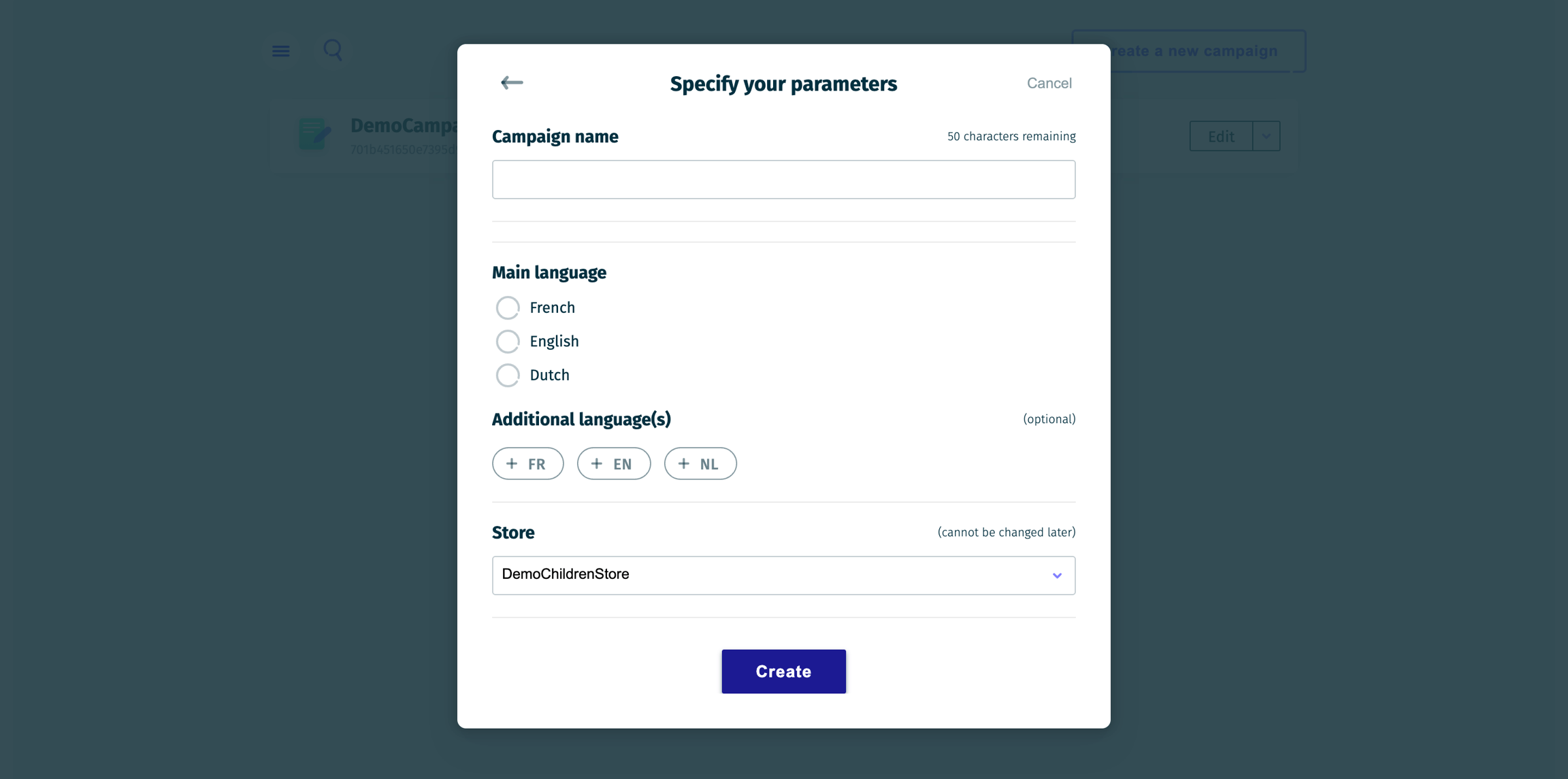
The fifth and final step is to specify the name, language(s), and store for your campaign.
This step is also mandatory if you choose to use a template in Step 1.
The language options allow us to provide default text content for your campaign, but you can, of course, replace the default content with your own text. If your preferred language is not listed, you can also use any language of your choice, regardless of the available options.
Last updated