Campaigns \ Edition
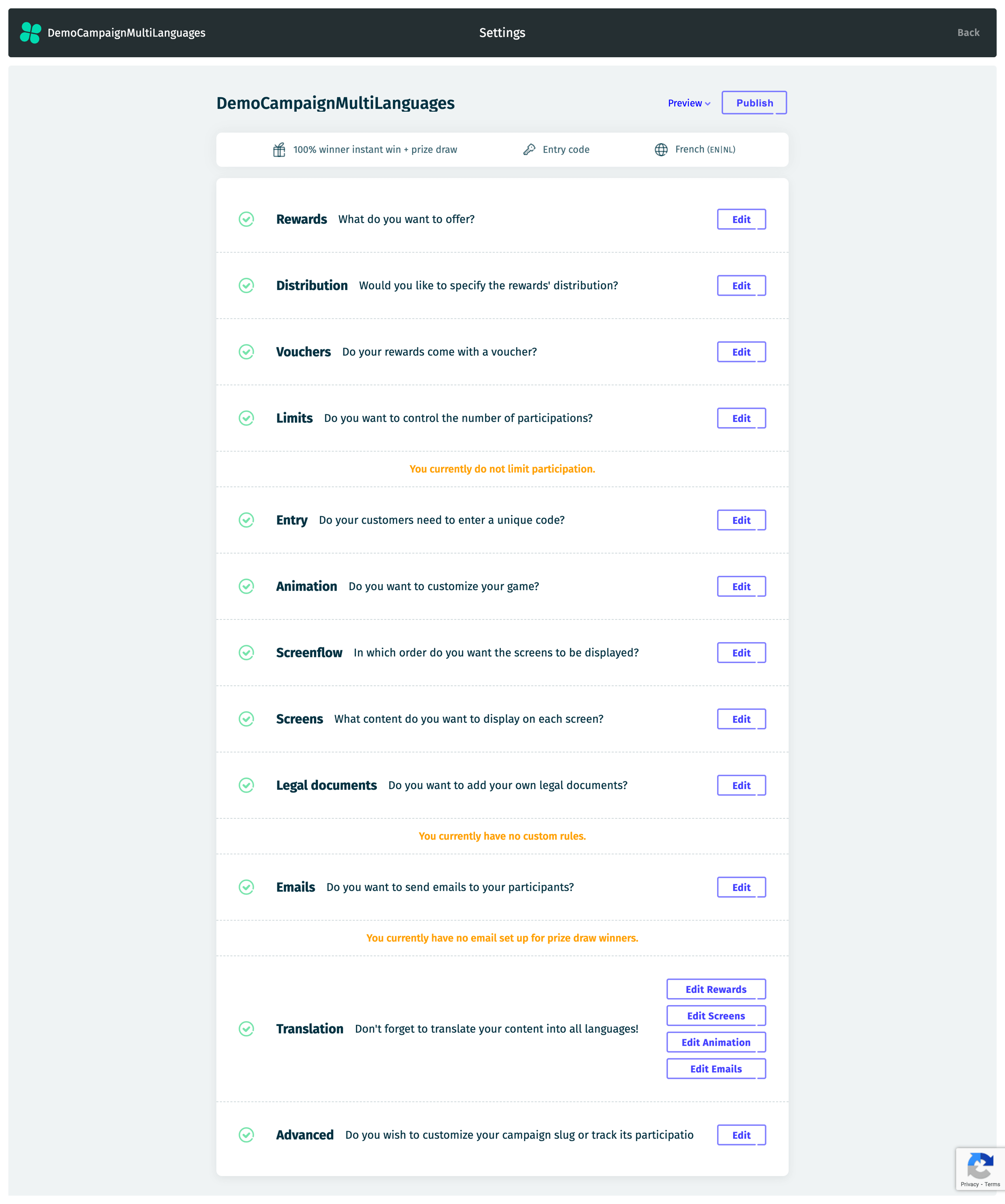
Once you have completed the Creation flow, you can access the main campaign page, which offers numerous personalization options, including:
Rewards: Manage the prizes offered in your campaign.
Distribution: Set up how rewards are distributed, including specific days or time ranges.
Vouchers: Add your codes to be assigned when a (flagged) reward is won.
Limits: Define entry restrictions, such as the frequency of participation or the total number of entries a user can have.
Entry: If you selected a (unique) entry code limitation when creating your campaign, specify the codes here.
Animation: Choose and modify the interactive experience for participants.
Screenflow: Design the navigation path participants will follow throughout the campaign.
Screens: Customize individual pages or screens within the campaign, including content and design.
Legal Documents: Upload or edit terms and conditions, privacy policies, and other required documents.
Emails: Create and manage automated emails sent to participants, such as prize draw registration confirmations or win notifications.
Translation: If your campaign includes multiple languages, you can translate your Rewards, Screens, Animation, and Emails here.
Advanced: Access additional customization options (for advanced users).
This page also provides a summary of your creation choices, including the selected mechanic, access rules, and languages. Additionally, it highlights any warnings or errors if parameters of your campaign are missing or require review.
Please note that this page is only accessible when a campaign is not live or completed. Once a campaign goes live or is completed, the Dashboard Page is displayed instead. To make edits again, you must pause the campaign.
Last updated