Campaigns
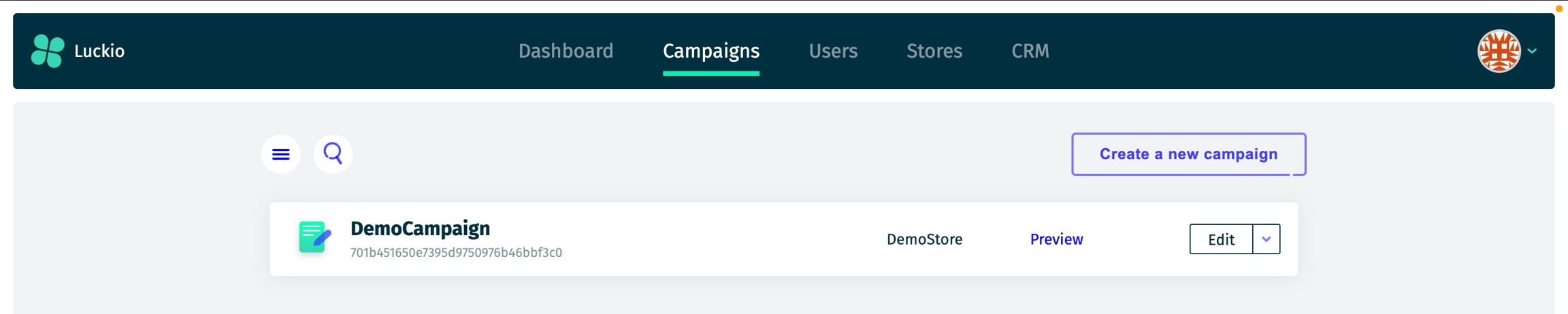
The Campaigns Page displays all campaigns associated with your stores. For each campaign, you can view:
Name
Dates (start and end dates)
Status (see below for reference)
Store
A campaign can have one of the following statuses:
Draft:
The campaign is a work in progress (WIP) and has not yet been finalized. It can be edited until it’s ready to be scheduled or published.
Scheduled:
The campaign setup is complete, and it has been scheduled to start at a future date. No further edits are possible unless the campaign is moved back to "Draft".
Live:
The campaign is currently running and visible to its target audience. Changes are disabled unless the campaign is moved to "Paused".
Paused:
The campaign has been temporarily stopped. It is not active but can be resumed or edited as needed.
Completed:
The campaign has finished running based on its end date. It cannot be restarted but remains available for reporting, reference or cloning.
Archived:
The campaign is no longer active, and its data has been removed for legal reasons. Archived campaigns cannot be modified, but they remain listed for record-keeping purposes.
In addition, you can create a new campaign by clicking the Create a new campaign button in the top-right corner.
Last updated