Stores
The Stores Page allows you to manage your stores efficiently. From this page, you can:
Create new stores.
Edit store information.
Assign or remove users from a store.
Please note that deleting a store is not possible directly from your account. If you need to remove a store, please contact support for assistance.
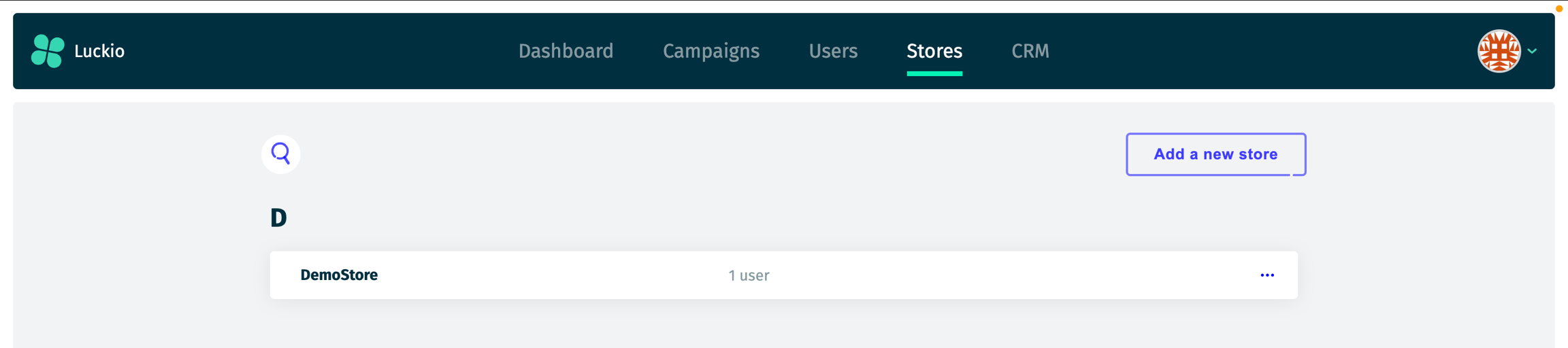
Each subscription includes a single parent store. Any additional stores you create will be child stores associated with the parent store.
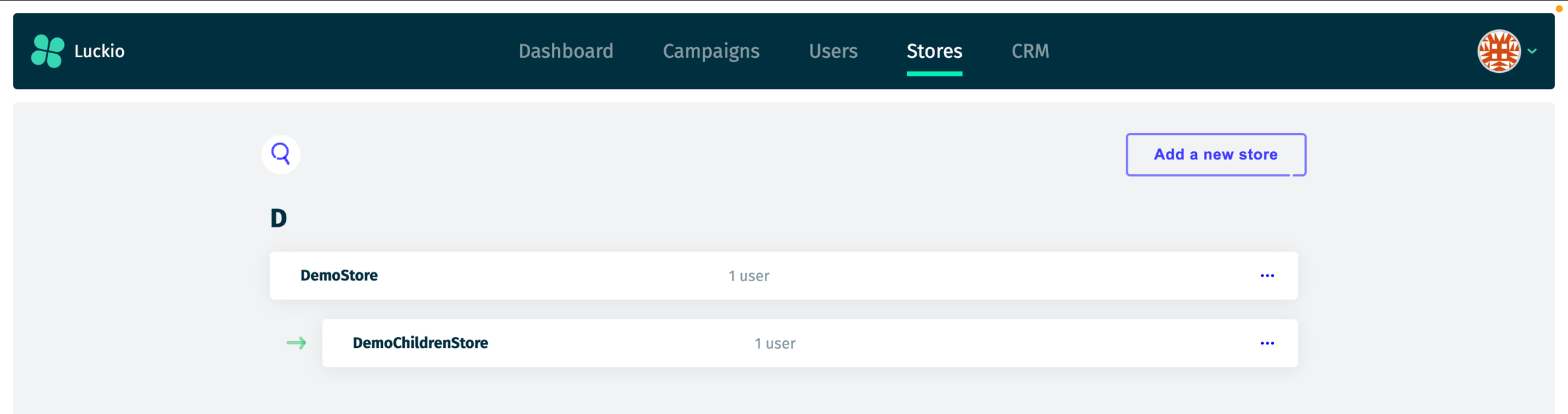
In this example, DemoStore is the default parent store in the hierarchy, created automatically with your subscription. A sub-store, DemoChildrenStore, was created as a child store under it. All additional stores, such as DemoChildrenStore, are linked to the parent store. While child stores can be managed independently, they remain associated with the parent store.
Last updated