Campaigns \ Publication
Once your campaign is ready, you can publish it by clicking the button in the top-right corner and specifying its dates.
If the button is grayed out, it indicates that a mandatory parameter is missing. Please review the errors listed on the index page and resolve them before attempting to publish again.
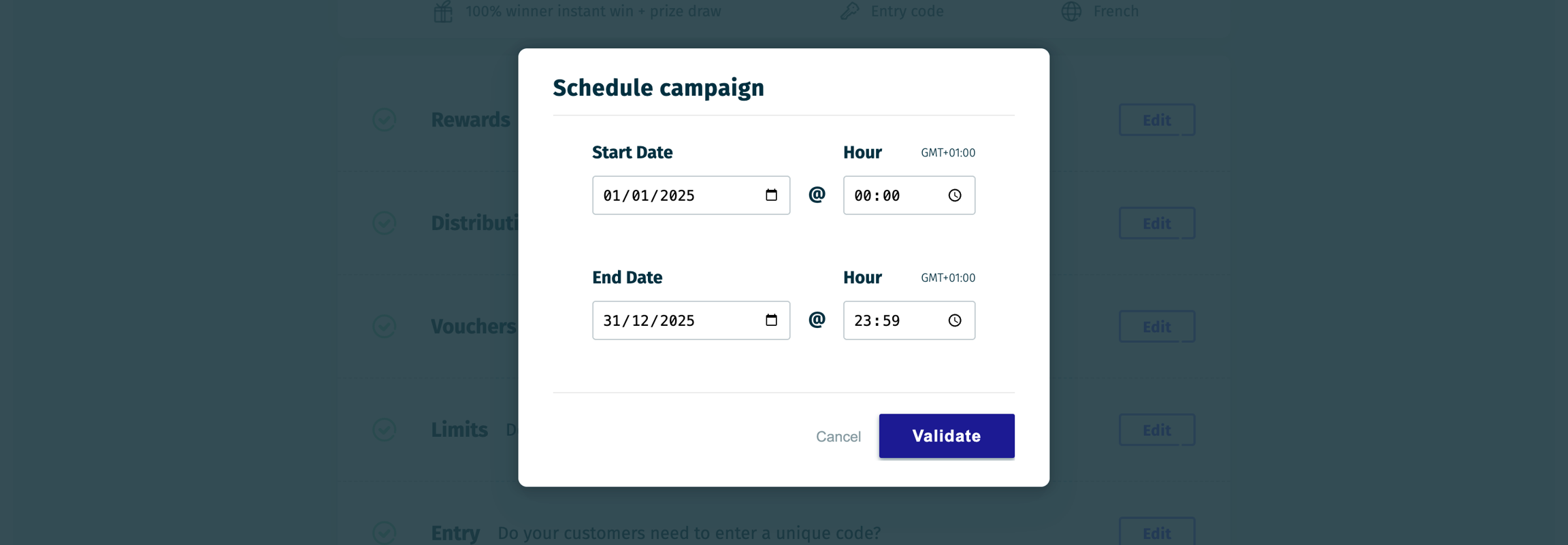
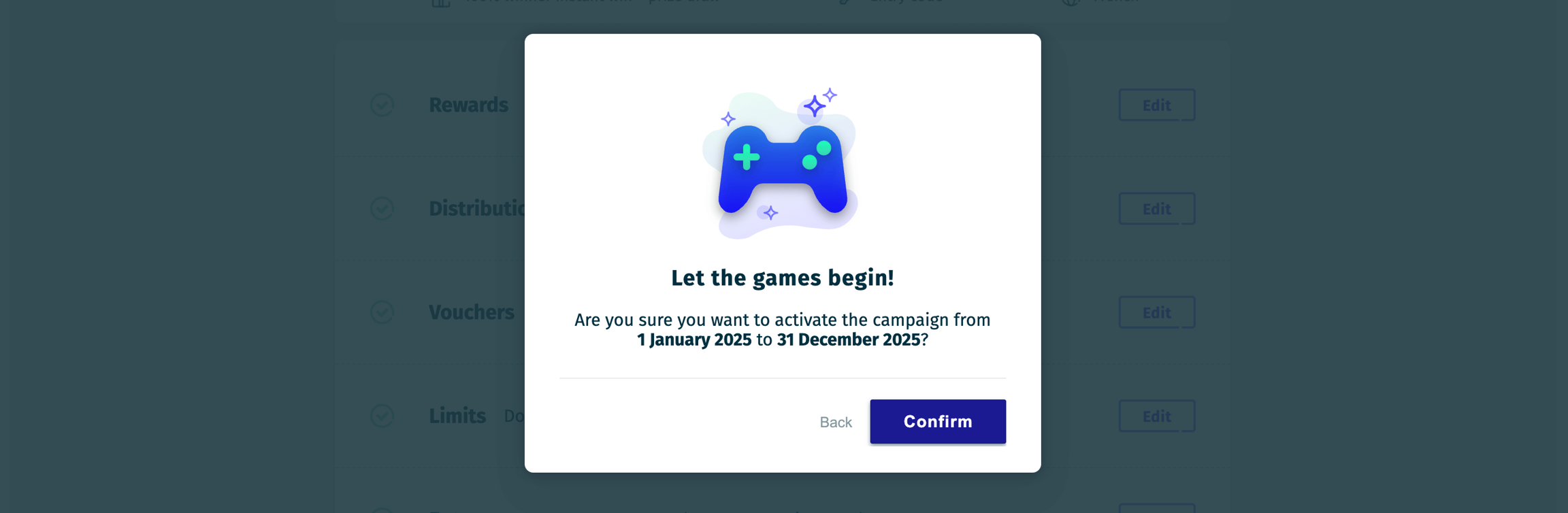
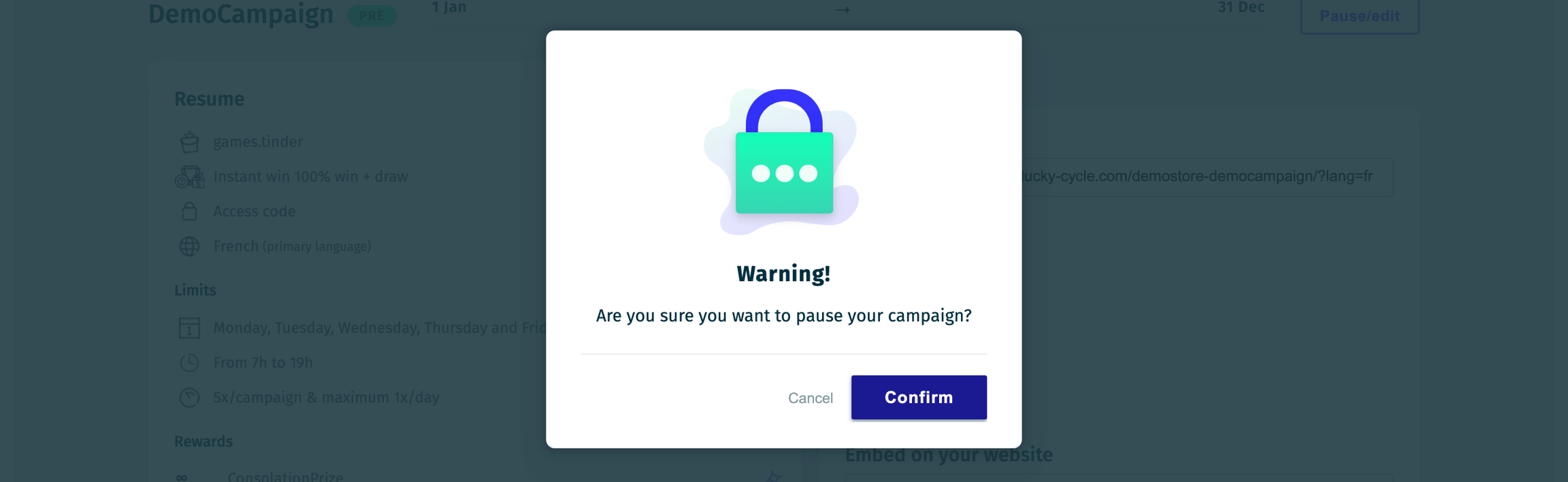
You can pause a live or scheduled campaign at any time by clicking the Pause/Edit button on the Dashboard page.

The Simple Preview lets you test the campaign flow without triggering any wins.
The Preview with Reward [X] option allows you to simulate a specific reward win (applicable only for Instant Win and Consolation prizes).
Last updated