Campaigns \ Prize Draw
The Prize Draw Page provides you with tools to randomly select winners from the pool of participants, ensuring a fair and transparent process.
This page allows you to manage prize distribution and verify the results before notifying the winners, giving you full control over the selection process.
It also ensures that the draw is conducted according to the parameters set in your campaign, with all relevant data available for review.
Three options are available for selecting winners:
Classic (Random):
Randomly selects winners from all eligible participants.
Subsidiary Question:
Selects winners based on their responses to an additional question (if applicable).
Highscores:
Awards prizes based on the best scores in a compatible game within the campaign (if applicable).
Additionally, it is possible to filter participations between two dates. This feature can be particularly useful for organizing weekly draws, allowing you to select participants within a specific timeframe.
After selecting the draw mechanic and, if desired, filtering by dates, you can specify the number of winners for each draw reward.
This feature is especially handy for month-long campaigns, allowing you to distribute ¼ of the prizes each week by setting the relevant dates and allocating a quarter of the total prize quantity (for instance)!
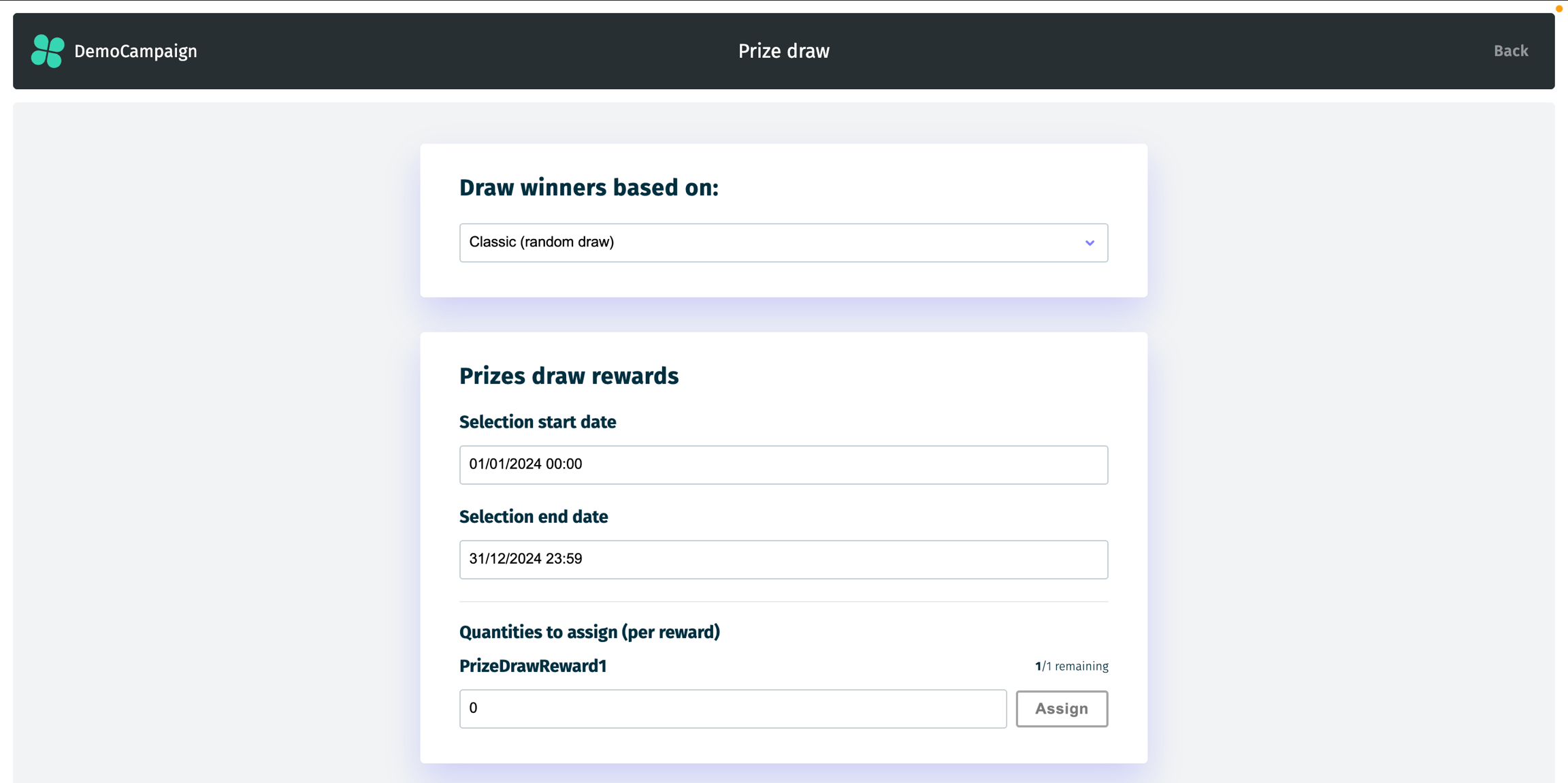
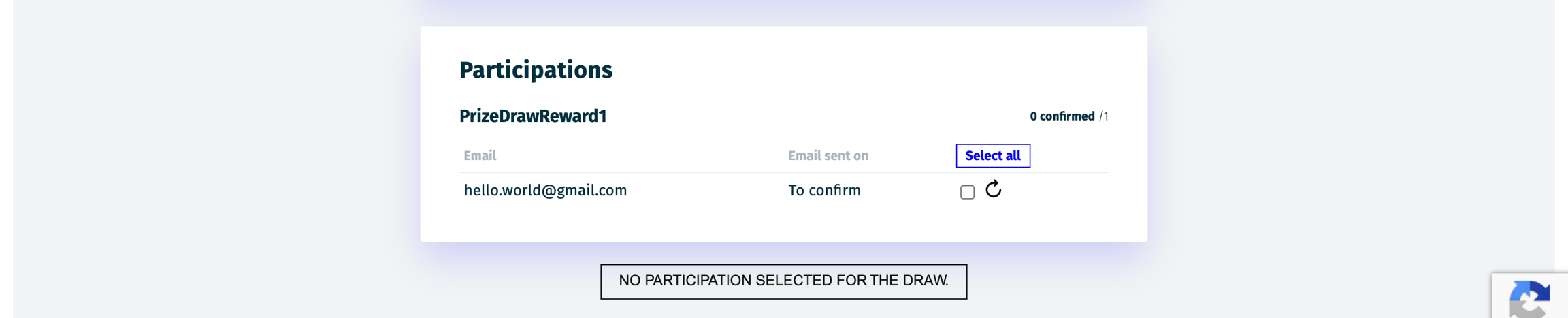
The following block displays the pre-selected participations that match your criteria. You can:
Click on an email to view the participation details and verify its eligibility for a prize (e.g., checking proof of purchase, if applicable).
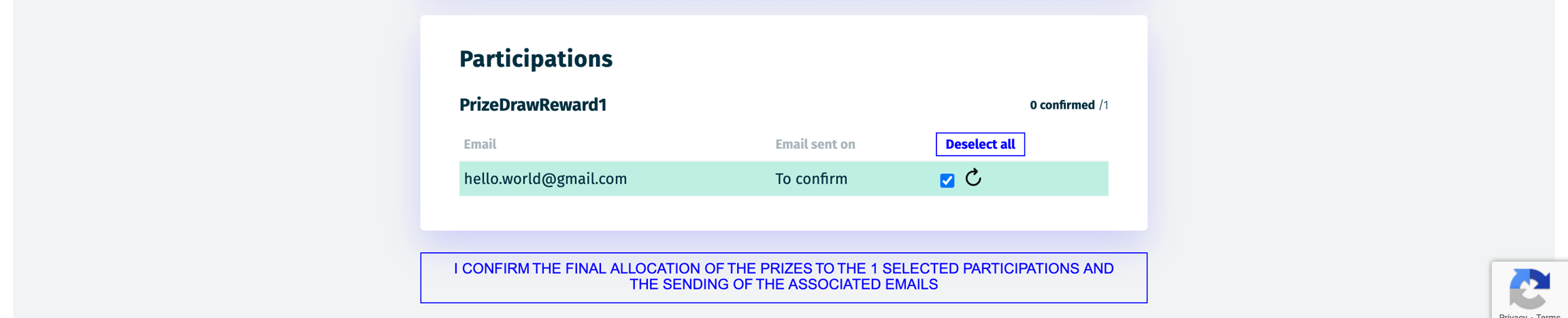
If the participation is valid, mark it accordingly, which will turn the line green. The button below will display the number of prizes to be awarded upon submission.
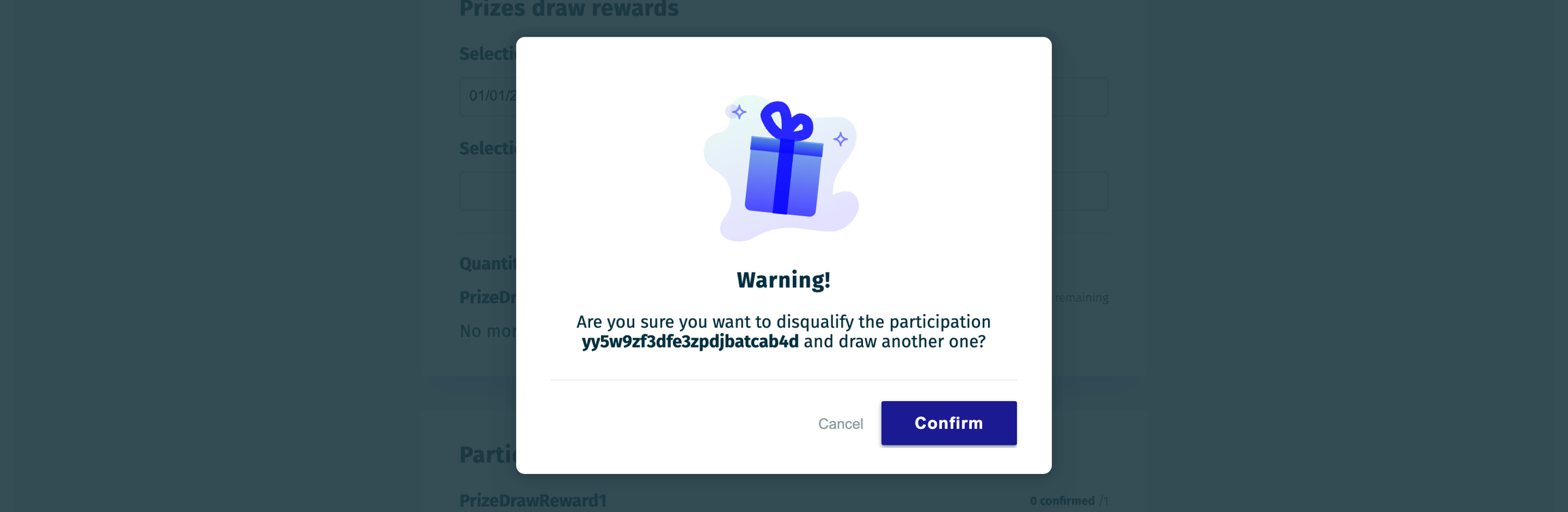
If a participation is invalid, you can redraw by clicking the rotating arrow icon and confirming in the pop-up, then repeat the process from Step 1 for the new entry!
Once all participations are validated, you can click the button to send emails (assuming they are set up in the Emails screen).
Please note that if the campaign has insufficient participations, it may not be possible to draw (or redraw) winners. In such cases, adjust by drawing fewer winners based on the Data info.
Last updated