CRM \ Creation
Our CRM allows you to set up email campaigns seamlessly. The creation process is as follows:
Click on the Create a mail campaign button.

If you manage multiple stores, select your target store.

Choose one or more campaigns from your (selected) store.

Set the desired sending date and time.

You then have the option to choose between our default template (A), which you can edit, or import your own (B), and customize the sender, subject, and email content.
Please refer to the Campaigns > Emails section for details on email customization.

Confirm your setup and preview the number of emails to be sent.
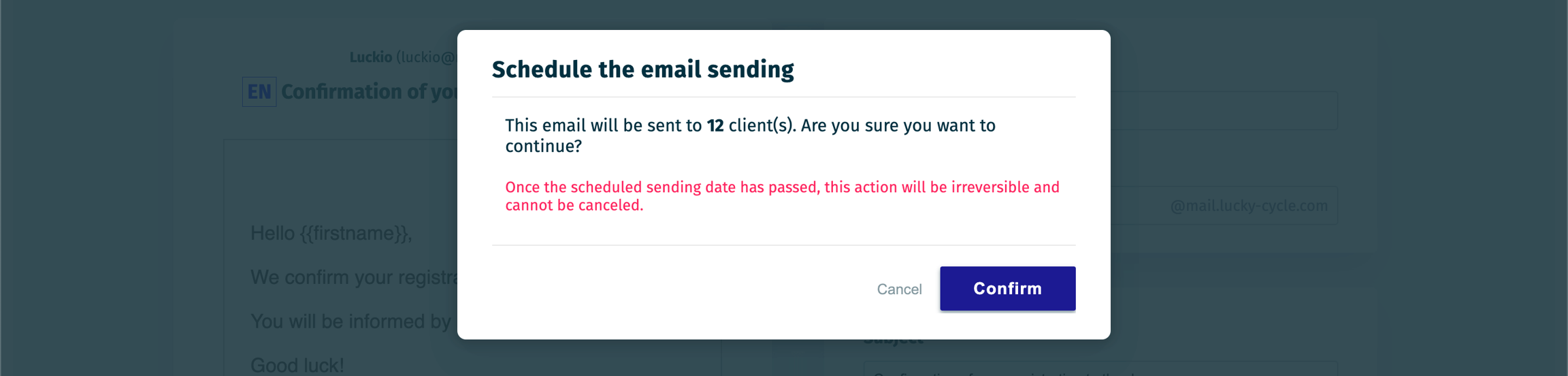
While the campaign setup cannot be modified after creation, the email content can still be edited until the scheduled sending time. To make changes, simply click the Edit option on the CRM Page.
Last updated